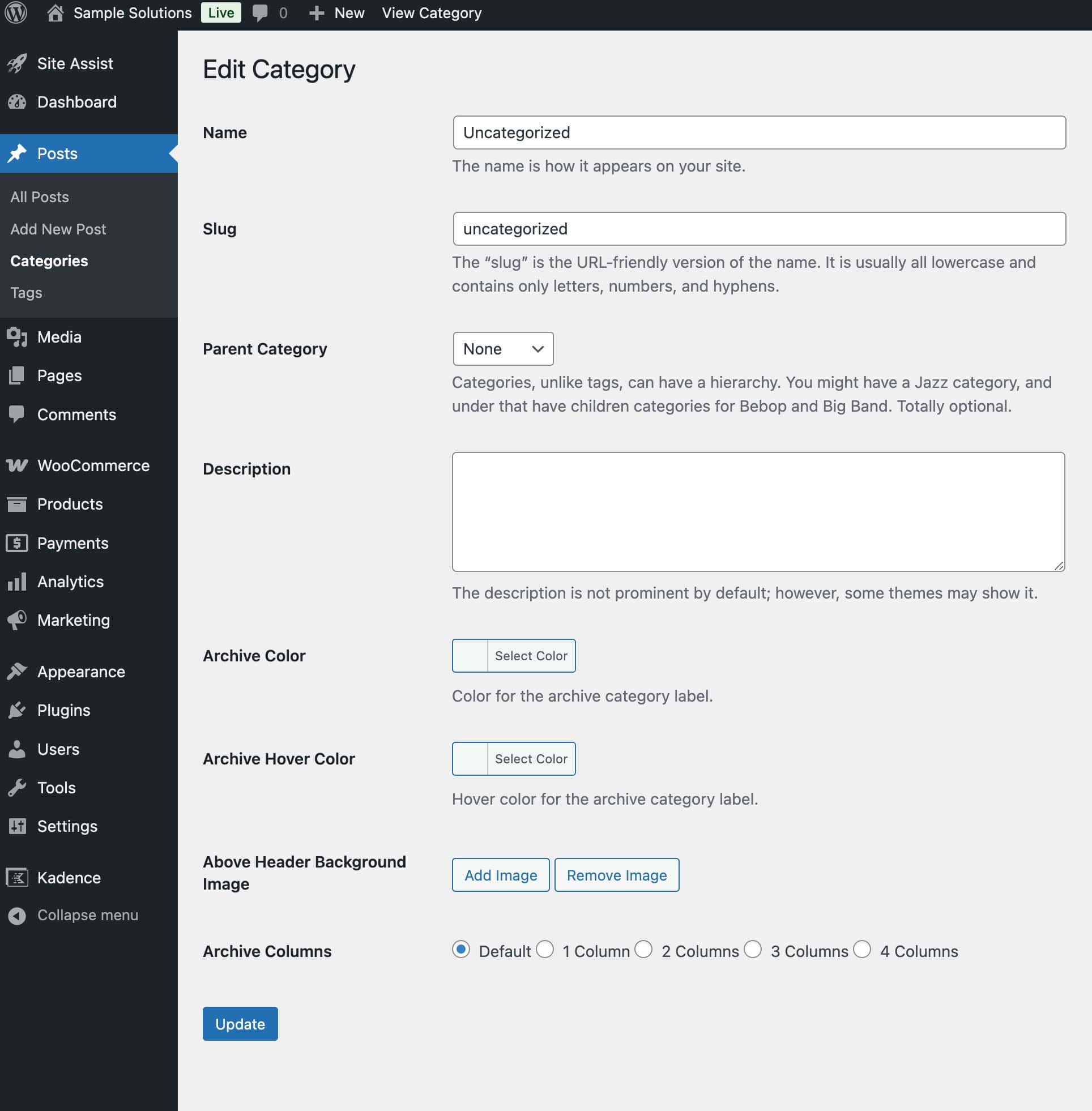
The Archive Custom Page Title Backgrounds feature is available with the Kadence Theme Kit Pro plugin.
This pro feature is useful for users who want to set a different background image or number of columns in listing posts for a specific archive page (such as taxonomy term archive pages).

Where to find these pro-added settings:
Edit a taxonomy to see the options associated with this feature. For example, go to Dashboard -> Posts -> Categories and edit “Uncategorized”. This setting applies to other applicable taxonomies as well, such as Post Tags.
How to change the background image for a category archive page:
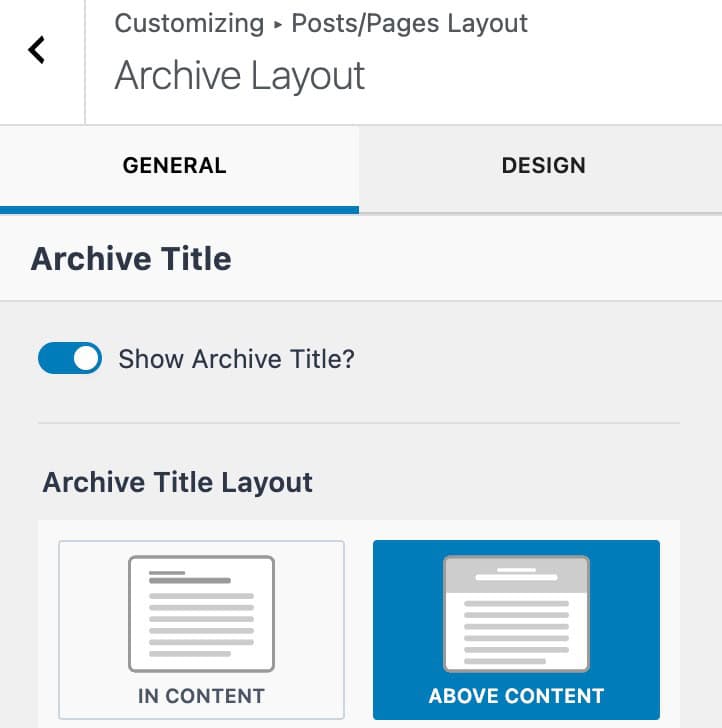
- Above Header Background Image. This is where you’ll select a category’s “Above Content” title background. (This setting requires that the Show Archive Title setting is enabled and set to Above Content. Learn more here.)
How to change the number of columns for a category archive page:
- Archive Columns. This will set the number of columns for the term’s archive page. It’s useful for users who want to set a different number of columns in listing posts for specific taxonomy terms.